
Model-based apps: breadth and play
A large library, deep customisation, instant results and no photo required. Ideal for exploring a look, sketching an idea or simply messing about with cars you will never own.
THE APP CATEGORY / TWO DIFFERENT TOOLS
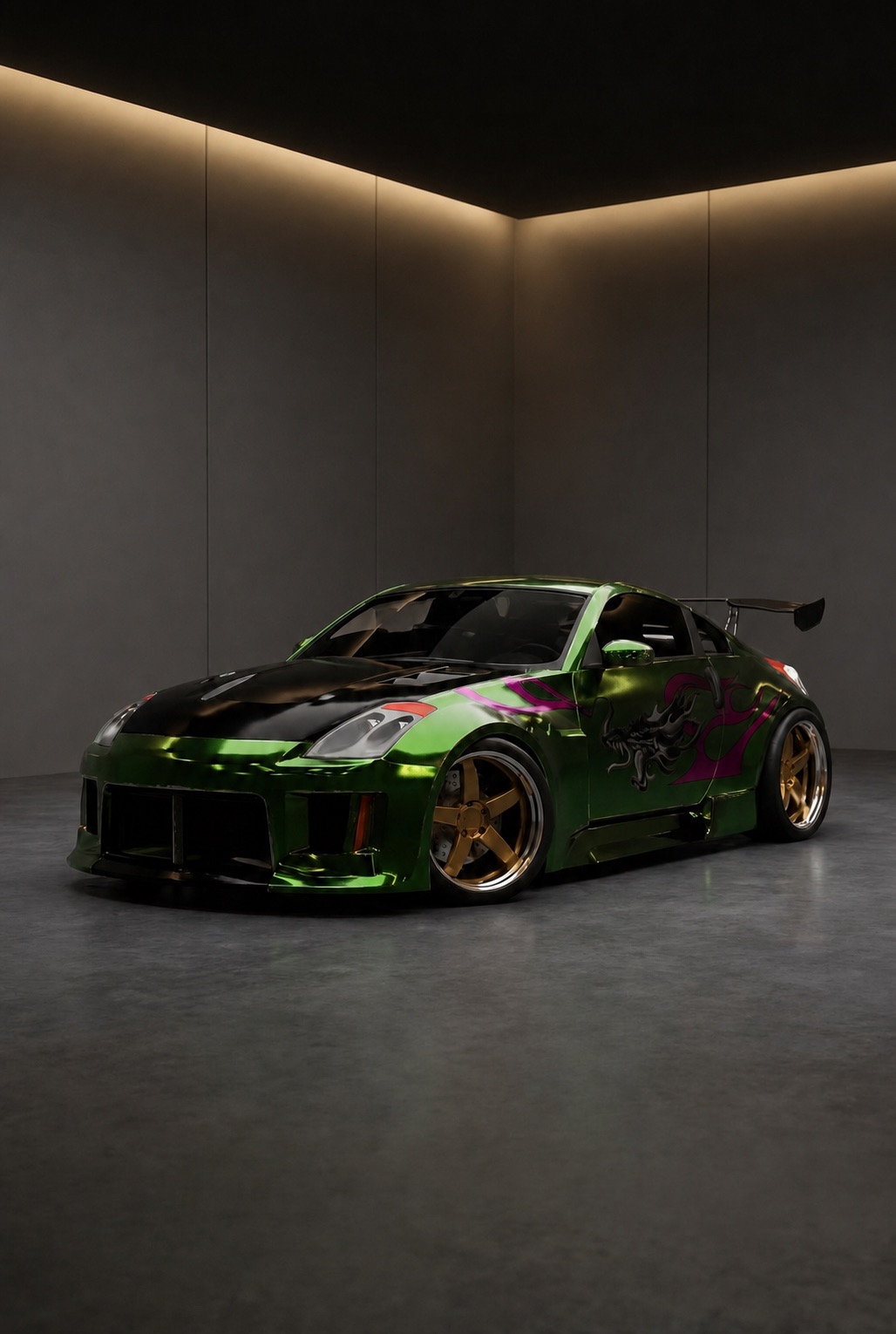
The tuning app shelf is dominated by 3D configurators — 3DTuning, Forma Car and similar — where you choose a model from a library and customise it. They are good at what they do. They just cannot show you your car.
PHOTO-BASED · NO MODEL LIBRARY · IOS
Car tuning apps
Pick by the question you are asking. "What does this style look like?" and "what does this look like on my car?" are answered by different tools.
A large library, deep customisation, instant results and no photo required. Ideal for exploring a look, sketching an idea or simply messing about with cars you will never own.
One photo replaces the model library. The trade is a smaller sense of infinite options in exchange for a preview that is actually about your car, in your colour, at your ride height.
Rare imports, facelift variants, older cars and anything already modified tend not to exist in a model library. A photo has none of those gaps.
FROM CAMERA ROLL TO TUNE BAY
If you have used a 3D tuning app before, this will feel familiar apart from step one.
A single photo, once. Everything you try afterwards is previewed on that car.
Wheels, ride height, aero, wraps, lighting and colour — the same categories a configurator gives you, applied to your bodywork.
Save versions to your garage, compare them side by side and turn the winner into a shopping list.
BEFORE YOU PULL IN
Yes — that is the category Rydex sits in. You add one photo of your car and every part you try is rendered onto it, rather than onto a model chosen from a library.
They pair well. Use a configurator to explore a style broadly and to play, then use a photo-based app to check whether that style survives contact with your specific car.
Rydex is a mobile app, on iOS and Android.
No. Renders run on cloud hardware, so the phone only needs to take the photo and show the result.
MORE FROM THE GARAGE
YOUR CAR. ANY BUILD.
Swap the model library for one photo.
Open the garage