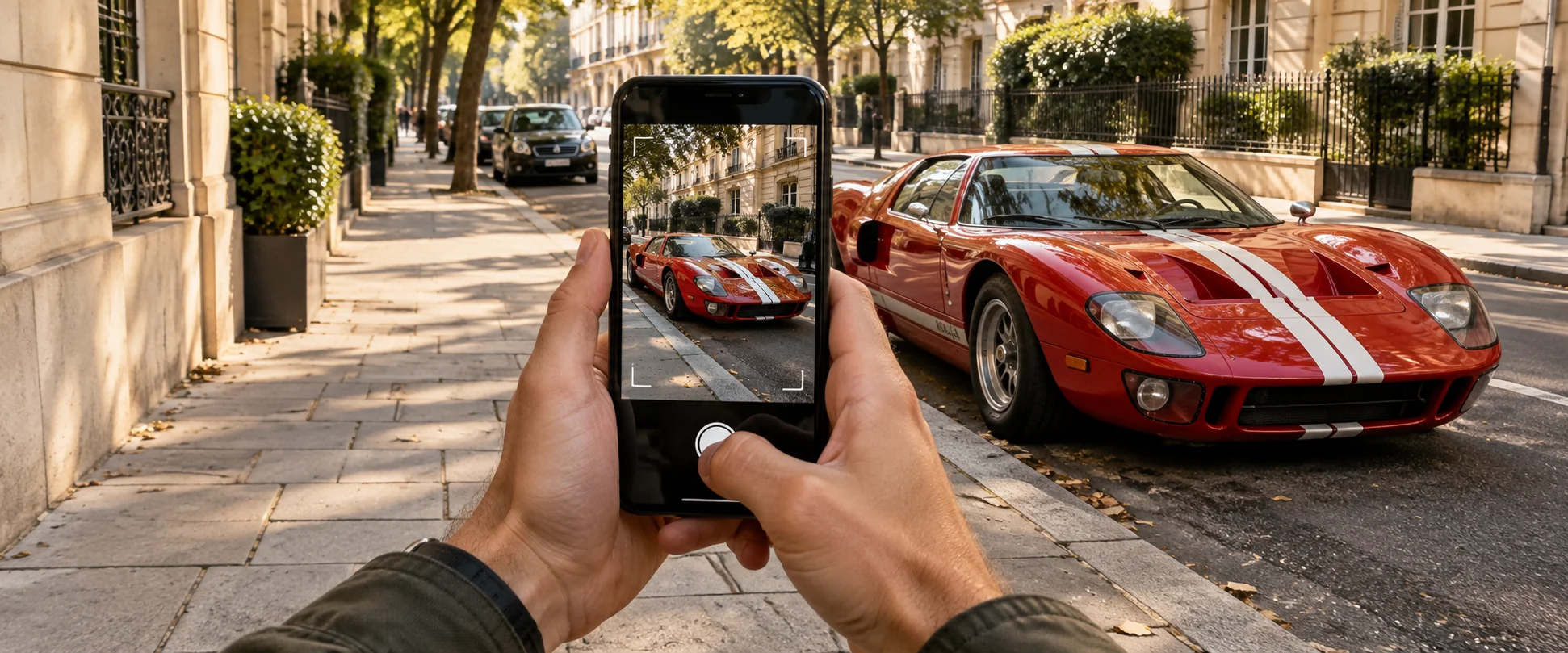
 SCAN A CAR
01FORD GT40 MK I
Scan any car you spot
One photo and the AI cuts the car out of the shot, names the exact model and year, and writes up its specs, its story and what it is roughly worth.
REAL STREETS. REAL CARS.
THE COLLECTION GAME
Six album pages, 406 cars to find, and a rarity ladder that runs from daily drivers to cars you will see once in your life. If you can photograph it, it can be yours.
SCAN A CAROne photo and the AI cuts the car out of the shot, names the exact model and year, and writes up its specs, its story and what it is roughly worth.
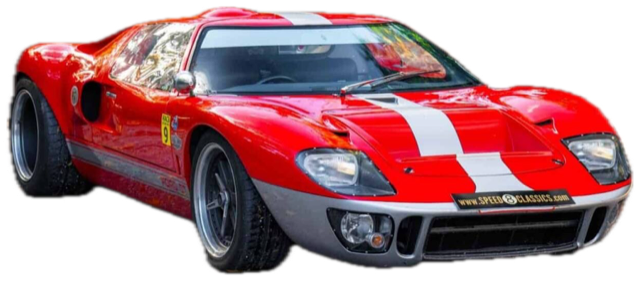
From the street to your collection.
Every find is graded from street find to mythic — with bonus XP for barn finds, cars caught far from home, and being the first driver in your city to catch a model.
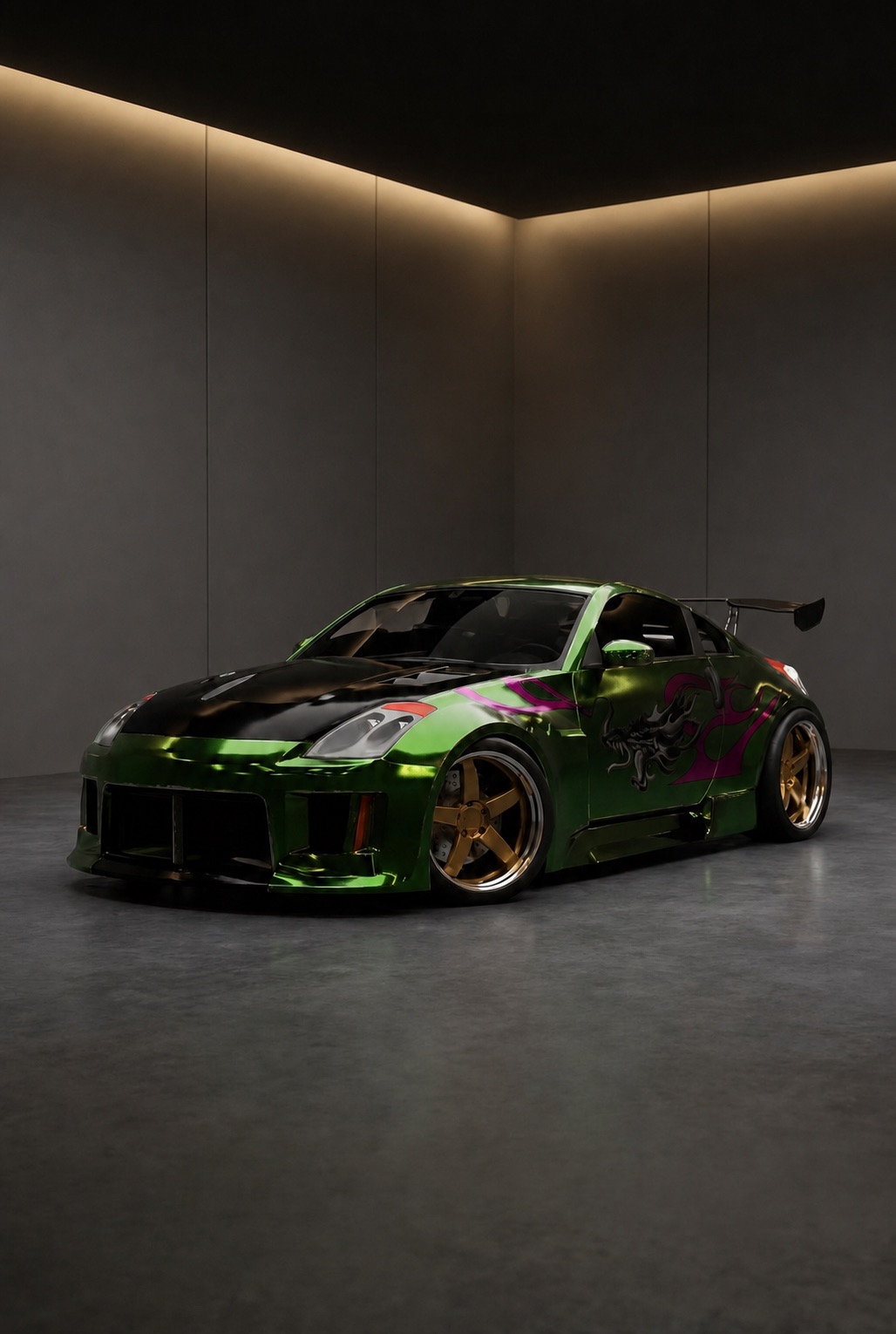 MY GARAGE
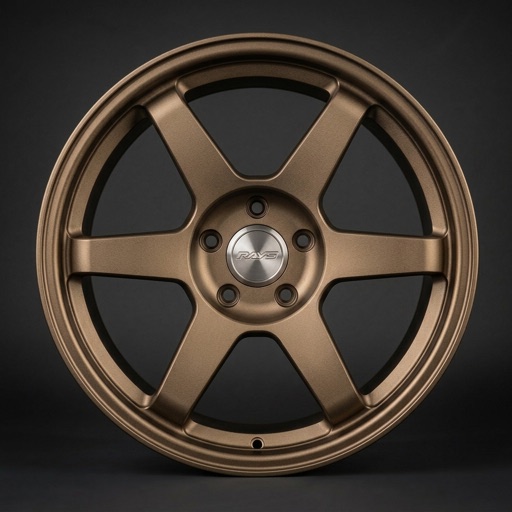
Add the car you actually drive and try wheels, paint, body kits and underglow on it — fitted by AI to your exact car.
AND YOUR OWN CAR / THE TUNE BAY
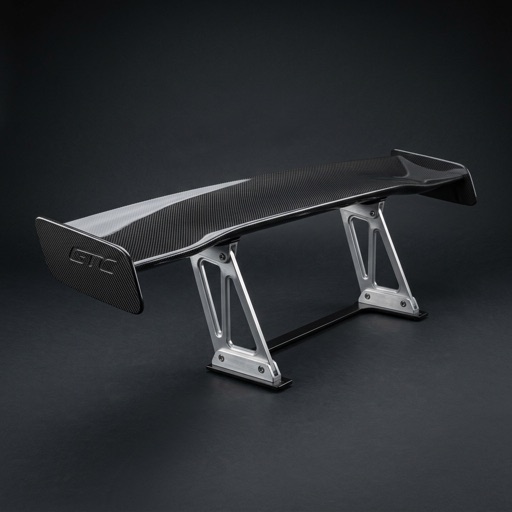
Your real car gets its own garage bay. Try wheels, paint, aero, body kits, decals, headlights and underglow — fitted by AI to the exact car you drive, not to a generic 3D model.
Preview in your garageMY GARAGE / 350ZTHE LOOP
Everything starts on the street and ends in your garage.
Point the camera at any car out in the world — one clear side or three-quarter view is enough. Photos of screens, posters and toys do not count.
The car is lifted off the background, recognised down to model and year, and graded for rarity and condition — with specs, a story and a price range.
It earns driver XP, pins itself to your discovery map right where you found it, and can post to the timeline for other drivers to see.
Add the car you actually drive and try wheels, paint, body kits and underglow on it — fitted by AI to your exact car.
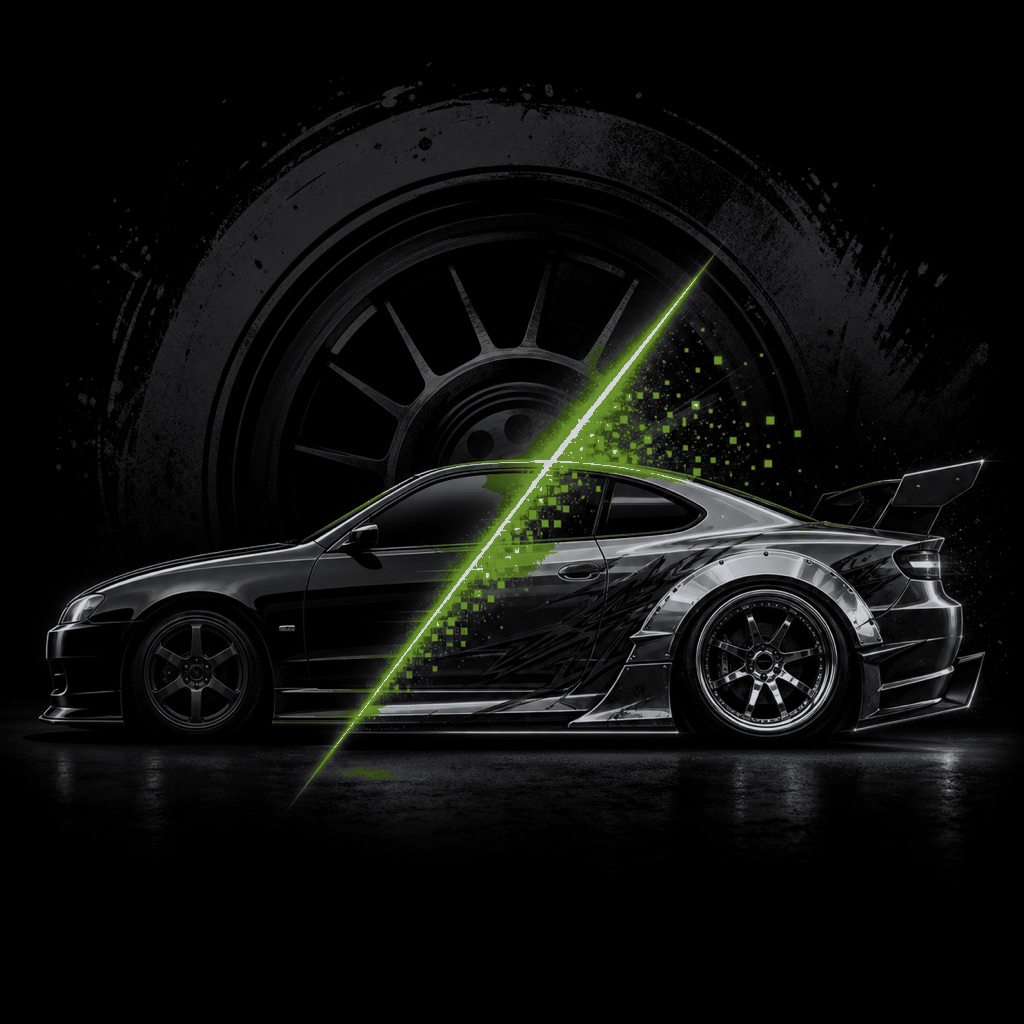
AFTER DARK
Re-shoot your car on location in four film stocks — VHS Tokyo, Super 8 coast road, security cam, night expressway — each one a poster and a five-second clip made to save and share.
THE TUNING JOURNAL
BEFORE YOU PULL IN
Point the camera at a car and scan it. Rydex cuts the car out of the photo, identifies the exact model, grades rarity and condition, and files the card in your collection with specs, a short story and a rough market value.
Any full-size car you find in the real world. The album has 406 catalogued legends across JDM, American muscle, European icons, hypercars, survivors and a hidden secrets page — and anything uncatalogued still joins your collection as a street find.
No. Every scan is checked, and only real, full-size cars earn a card. Older camera-roll photos without a trusted location still join the album, but marked album-only and without XP.
Finds are graded street find, common, rare, epic, legendary or mythic, each worth more driver XP. Condition stacks bonuses for patina, rust and true barn finds, and location adds claims like being the first in your city to catch a model.
Yes — that is the second half of Rydex. Add a clear front three-quarter photo of your own car and the tune bay fits wheels, paint, aero, body kits, decals, lighting and underglow to it with AI.
A 3D tuning configurator lets you customize a generic 3D model of a car model. Rydex covers the same ground—wheels, aero, body kits, lighting, liveries—but renders the result onto a photo of your actual car with AI, so the preview matches the car sitting outside rather than a showroom stand-in.
No. Rydex creates AI-generated visual concepts to help you compare directions. Always confirm fitment, legality and real-world appearance before buying or installing a part.
Creating an account, adding your car and starting your collection cost nothing, and your first tank of GAS — the credit that pays for the AI — is on the house. Every scan, render and clip burns a little; heavier use is covered by top-ups or the Pro plan.
Yes. A free account keeps your collection, your cars and your generated builds connected to your personal garage. An internet connection is required for identification and cloud rendering.
That is exactly the gap Rydex fills. Because it works from your photo instead of a 3D asset, rare trims, grey imports, facelifts and heavily modified cars are all supported — if you can photograph it, you can tune it.
SPOT IT. SCAN IT. TUNE IT.
406 bays are waiting. Your own car is waiting too.


DRIVERS, CREWS, CITIES
YOUR CITY IS A LEADERBOARD.
Spotting alone is a hobby. Spotting against your city is a sport.
A timeline of finds
Every catch can post to a full-screen feed — like, comment and follow the drivers whose streets you envy.
Leaderboards and crews
Climb the city and all-time rankings on driver XP, or start a crew and pool your finds against everyone else.
A map of where you found them
Every find is pinned where you caught it — alongside community meets and real car-culture landmarks worth the drive.
Share your builds, request the parts you want next, and get early access to new features on our Discord.
Join our Discord↗